Discover
Nearby people and devices can be found across multiple hops
Even without a central service, nodes can spread discovery data across the mesh so nearby awareness is not limited to a single direct broadcast.
aiTalk is the app for end users, while xTalk is the Mesh SDK for device access and application integration. Both run on the same decentralized network without relying on a central server.
The first screen should explain the capabilities clearly, then send users either to the app download flow or into the docs entry points.
Even without a central service, nodes can spread discovery data across the mesh so nearby awareness is not limited to a single direct broadcast.
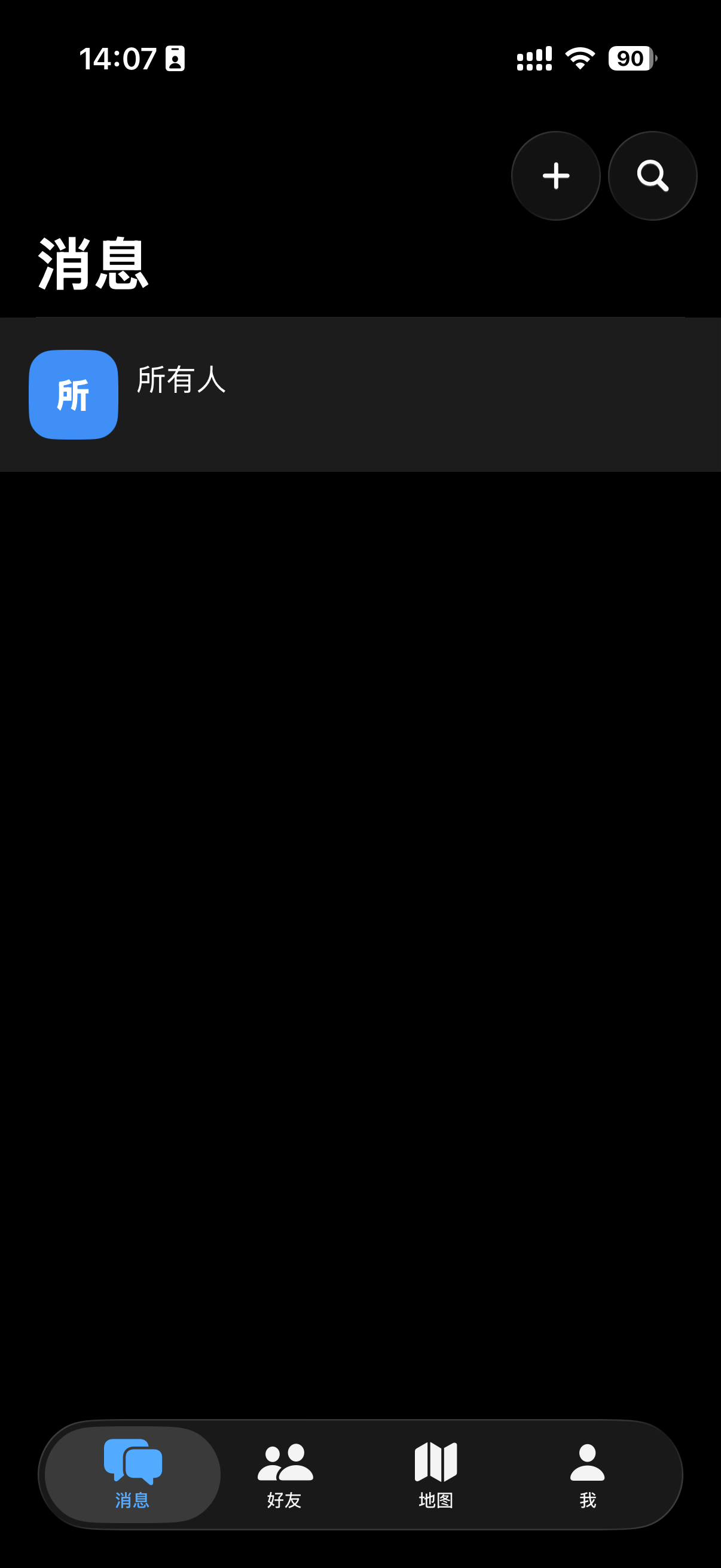
aiTalk puts live calls, short messages, maps, and groups into one communication flow that can keep working without public internet services.
SDK 1.0.0 now provides formal Android and iOS customer guides, API references, complete examples, and coverage matrices.
They are not the same layer: aiTalk is the product, xTalk is the developer-facing capability layer. The information architecture now follows that split.
The iOS and Android clients cover discovery, messaging, maps, calls, and group collaboration.
OpenDocs pages for browser, desktop, and CLI workflows are reserved and will be filled in gradually.
OpenSDK 1.0.0 customer documentation is available for Android and iOS, organized by platform and version.
OpenHardware reference pages remain available in docs and are updated alongside the visible SDK documentation.
OpenThe homepage keeps the shortest path to downloads and docs so the first screen remains readable.
The docs structure is already in place. Content will be filled page by page from the overview onward.
Open docs overviewIf your goal is direct product use, start from the download center while the client docs pages are being filled in.
Open download centerStart with the SDK 1.0.0 overview, then follow the versioned Android or iOS integration path.
Open SDK docs